How to handle urgent transport with 4Shipper?

Whether you’re handling last-minute deliveries, high-priority shipments, or time-sensitive freight, having a smooth and efficient process is essential. 4Shipper equips you with the right tools to clearly communicate urgency, secure the fastest transport solutions, and meet tight deadlines—all while staying within budget.
What qualifies as urgent transport?
How do you clearly communicate urgency to carriers?
And how does 4Shipper simplify the entire process?
Let’s break it down.
1. Defining Urgent Transport in Logistics
Urgency in logistics can vary depending on the shipment’s requirements. We can categorize it in three ways:
- Fixed pickup and delivery dates – The first carrier to confirm and give you the best price secures it.
- Express delivery with no specific dates – The carrier that offers the fastest delivery time is selected.
- Carrier-determined pickup and delivery – The carrier specifies the earliest available schedule.
Additional Urgent Transport Scenarios
Beyond standard expedited shipments, other urgent transport scenarios include:
- High-value or perishable goods requiring immediate and priority handling.
- Government or medical shipments with strict regulatory delivery deadlines.
- Customer-requested expedited shipments to fulfill last-minute supply chain demands.
2. Communicating Urgency to Carriers in 4Shipper
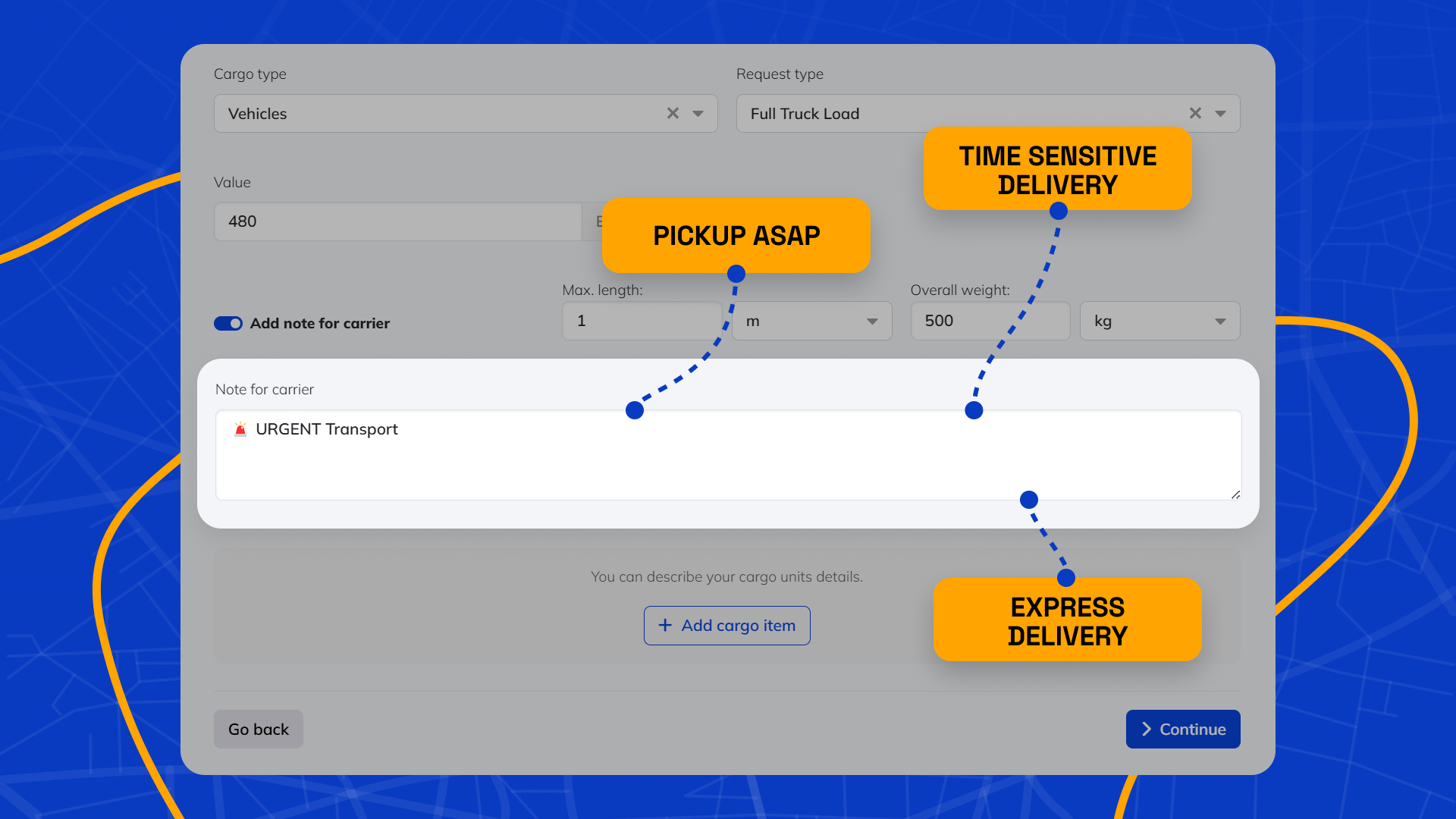
Clear communication is essential when handling express (urgent) shipments. 4Shipper allows users to add urgency notes directly within the platform, ensuring that carriers fully understand the priority level.

3. Where to Input Urgency Notes in 4Shipper
To optimize the handling of urgent shipments, urgency notes must be clearly visible to carriers. In 4Shipper, this process involves:
Create a new request in the platform > Navigating to the “Cargo Info” section > Choose to add note for carrier > Entering a concise urgency note using clear language. > Select your preffered carriers for the shipment > Send the request
4. How Carriers View Urgency Notes in 4Shipper?
Once a note is added, chosen carriers are immediately notified through e-mail alerts, providing full details of the shipment with the note being highlighted.
This system ensures that carriers act quickly, bid promptly, and execute urgent deliveries without unnecessary delays.
Need to move an urgent shipment now? Log in to 4Shipper and start today.